Rename macOS Spaces so every desktop wears its name
For Mac power users who live across five, ten, or more virtual desktops and are tired of "Desktop 1," "Desktop 2," "Desktop 3." DesktopTitle puts a persistent, always-on-top name label directly on each Space, so you always know where you are.
Download free on the Mac App Store
Free for up to 3 desktops; a single EUR 4.90 in-app purchase unlocks unlimited. Prefer to skip the store? Direct download (DMG).
The problem: your desktops have no names
macOS has never let you rename your virtual desktops. Open Mission Control and every Space is just "Desktop 1," "Desktop 2," "Desktop 3" — identical grey rectangles with no clue about what lives inside them.
If you organize your work by Space — one for email, one for design, one for a client project, one for a build terminal — you're constantly guessing which desktop is which. You swipe, you overshoot, you swipe back. The mental tax adds up all day.
This isn't a niche complaint. People have been asking Apple to let them name Spaces since 2011, and those Apple Community threads have collected thousands of "Me Too" votes over the years. Several third-party tools have appeared to fill the gap, together accumulating thousands of GitHub stars — clear evidence the need is real and long-standing.
The difference: the name lives on the desktop, always on top
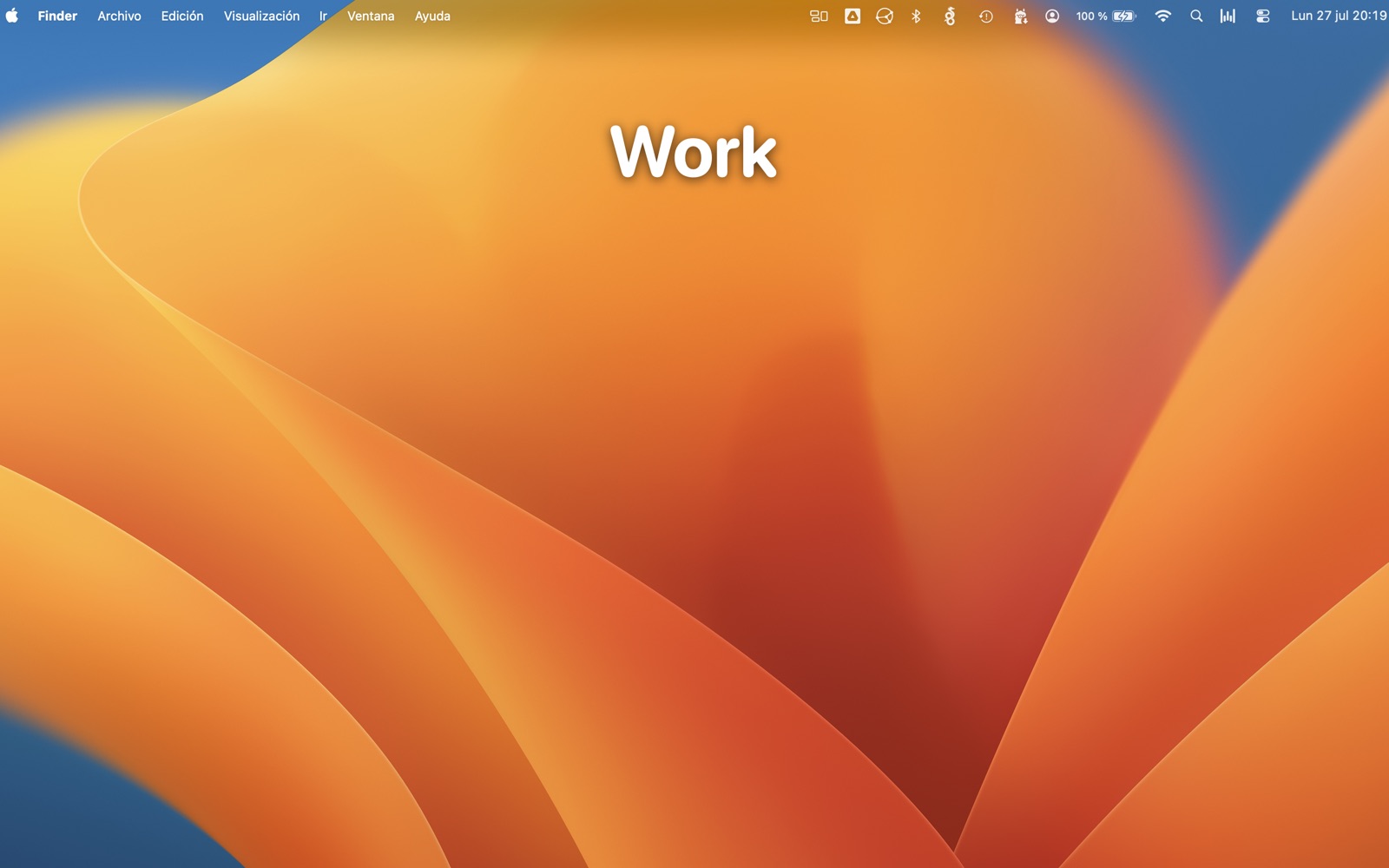
DesktopTitle's label sits on the desktop itself — where you're already looking — and stays always on top of your windows. You don't have to open a menu, open Mission Control, or hunt through a switcher to see which Space you're on. The name is just there.
That's the core distinction. Other tools show the Space name only in the menu bar, or only inside Mission Control. DesktopTitle shows it on the desktop, front and center, all the time.
Key features
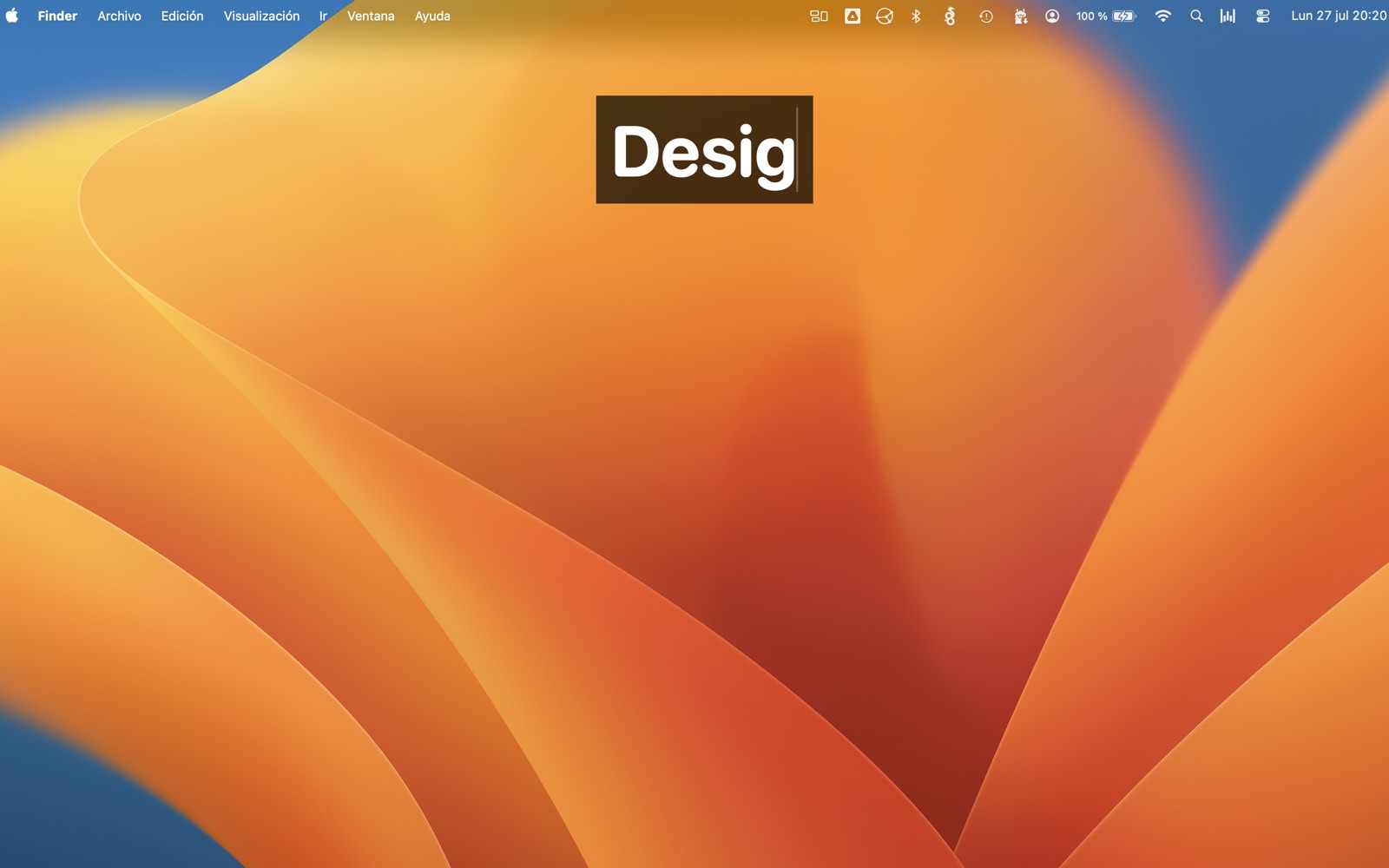
- An always-on-top name label on every Space, editable in place with a click.
- Menu-bar utility with no Dock icon — it stays out of your way.
- Per-screen customization: adjust each label's size, position, and opacity.
- Universal native binary: runs natively on Apple Silicon (M1, M2, M3, M4) and Intel — no Rosetta needed, no SIP to disable.
- Uses only public Apple APIs and ships sandboxed through the Mac App Store.
- Optional name suggestion: DesktopTitle can name a new desktop after the app you are using (for example your terminal). At its highest level, with Screen Recording permission, it uses the frontmost window's title instead. Off by default — and it never controls or changes other apps.
- Optional spoken announcement: DesktopTitle can say the desktop's name out loud each time you switch, using your Mac's system voice, with adjustable speed and volume. Off by default. Useful if you would rather hear where you are than look for it, and for anyone who finds a small label hard to read.
One honest limitation
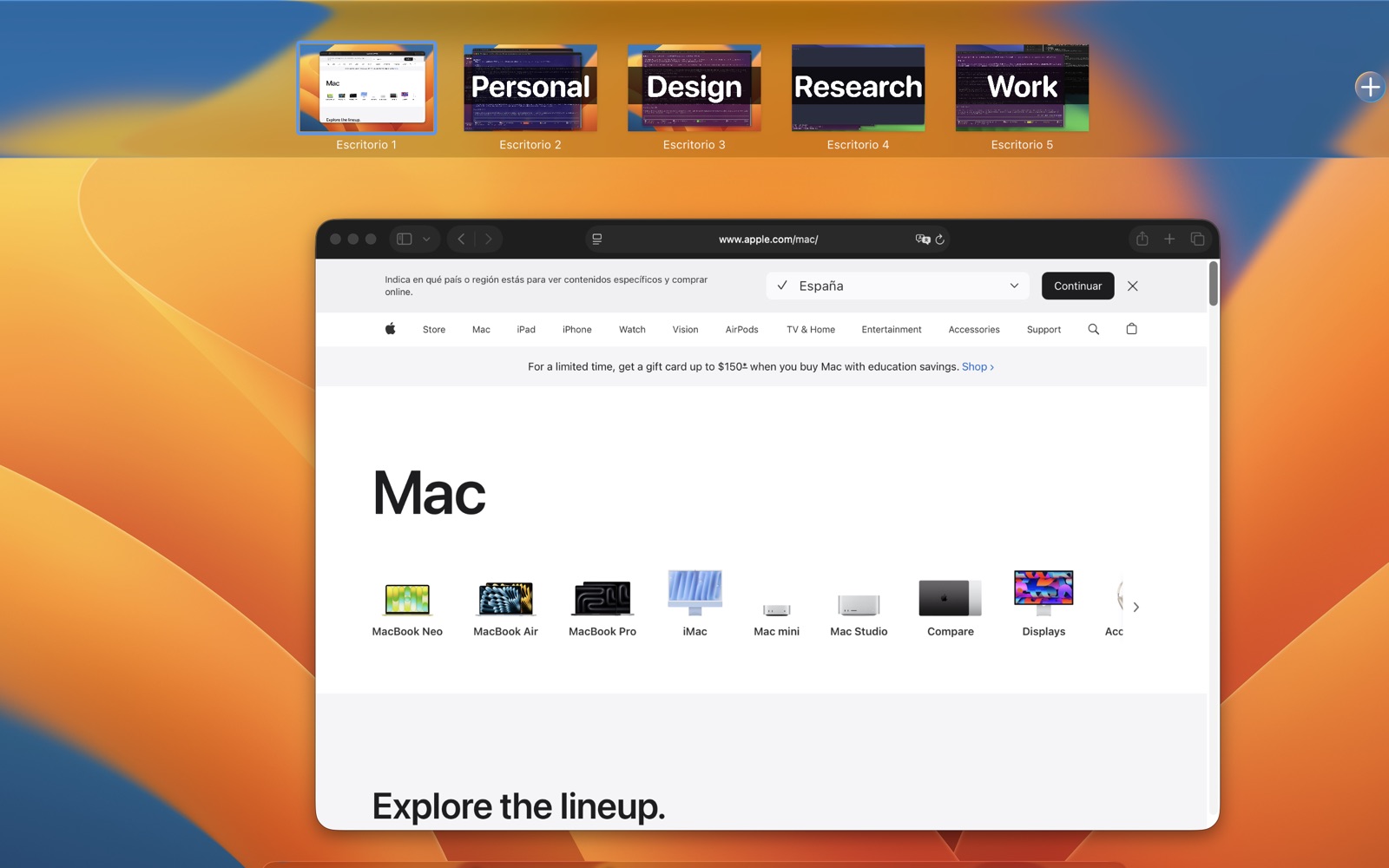
macOS keeps calling your desktops "Desktop 1, 2, 3" in Mission Control's top bar. That bar belongs to Apple and no App Store app can change it. What DesktopTitle changes is what you look at all day: the name you chose, on the desktop itself. If having the name inside that top bar is what you need, SpaceJump does that and DesktopTitle does not.
Private by design
DesktopTitle never collects or transmits your data on its own. There are no accounts, no telemetry, no tracking, and nothing to sign up for. The app's only network uses are Apple's own In-App Purchase system for the one-time unlock, which carries no personal data and runs entirely through Apple, and an optional problem report that leaves your Mac only when you write one and press Send (full policy).
Pricing: free for 3, EUR 4.90 for unlimited
- Free to download and use for up to 3 desktops.
- A single, one-time in-app purchase of EUR 4.90 unlocks unlimited desktops and the power features.
- No subscription. Ever. Buy it once, own it.
Start free, and only unlock the full version when you know it fits how you work.
Frequently asked questions
- Does it work on Apple Silicon?
- Yes. DesktopTitle is a universal native binary and runs natively on Apple Silicon Macs (M1, M2, M3, M4) as well as Intel. It requires macOS 15 (Sequoia) or later.
- Do I have to disable SIP (System Integrity Protection)?
- No. DesktopTitle uses only public Apple APIs and does not require disabling SIP. Some older Space-renaming tools do require it — DesktopTitle does not.
- Does the name show inside Mission Control?
- Inactive Spaces carry their label into their Mission Control thumbnail. The Space you are currently looking at does not, and neither does the top bar, which is Apple's.
- What happens to my names when I restart?
- They are never lost. macOS gives apps no permanent identifier for a desktop, so DesktopTitle never re-assigns names by guessing — a wrong name is worse than no name. Right-click a label, choose Restore name, and pick the one you want.
- Is there a subscription?
- No, and there never will be. One purchase, EUR 4.90, unlimited desktops.
Support
Issues? Suggestions? Ideas? Please let me know — replies go straight to your inbox.